NotchLive vs Apple Live Captions: Which Is Better for Your Mac?
March 12, 2026 · 8 min read
Apple ships Live Captions as a built-in accessibility feature on supported Macs. It's free, it's private, and with macOS Tahoe it got significantly better. So why would you install a third-party caption app? If you need a product overview before comparing the two approaches, see how NotchLive handles live captions for Mac apps and audio.
The short answer: Apple Live Captions is a great baseline, but it has blind spots that matter if you depend on captions for work, accessibility, or multilingual communication. NotchLive fills those gaps — and puts captions right where your eyes already are: the notch.
Here's the full breakdown.
Feature Comparison at a Glance
Feature
Apple Live Captions
NotchLive
Price
Free (built-in)
Free tier + Pro $24.99 one-time
On-device AI
Yes (SpeechAnalyzer)
Yes (Whisper AI)
Privacy
100% on-device
100% on-device
Caption placement
Floating window
MacBook notch area
Translated speech
No
20 languages
Session recording
No
Yes + transcript export
Works during screen recording
No — blanks out
Yes (Caption Display)
Screen sharing captions
No
Yes (Caption Display)
Dual audio streams
No
Mic + system audio
macOS requirement
macOS 13+ (Apple Silicon only)
macOS 14+ (Intel supported)
Languages transcribed
Expanding (English-focused)
90+ via Whisper
Whisper model choice
N/A
5 models (Small to Pro)
Where Apple Live Captions Falls Short
1. The floating window problem
Apple Live Captions displays a draggable floating panel. You have to position it somewhere on your screen, and it competes for space with your actual work. Resize your windows, switch apps, go full-screen — the caption window gets in the way or disappears behind something.
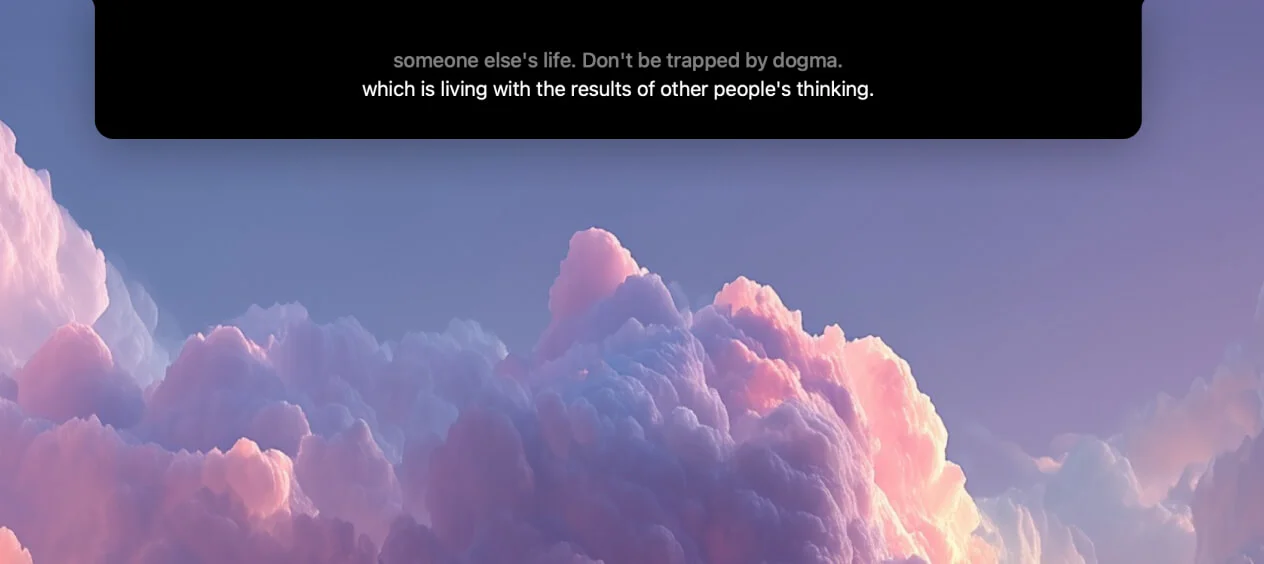
NotchLive takes a different approach. Captions appear directly in the MacBook's notch area — the dead space at the top of your screen that's otherwise unused. Your eyes stay near the camera during video calls, and your workspace stays clean.
2. No translation
Apple Live Captions transcribes speech but doesn't translate it. If you're on a call in a language you don't fully understand, you're stuck with a transcript you can't read.
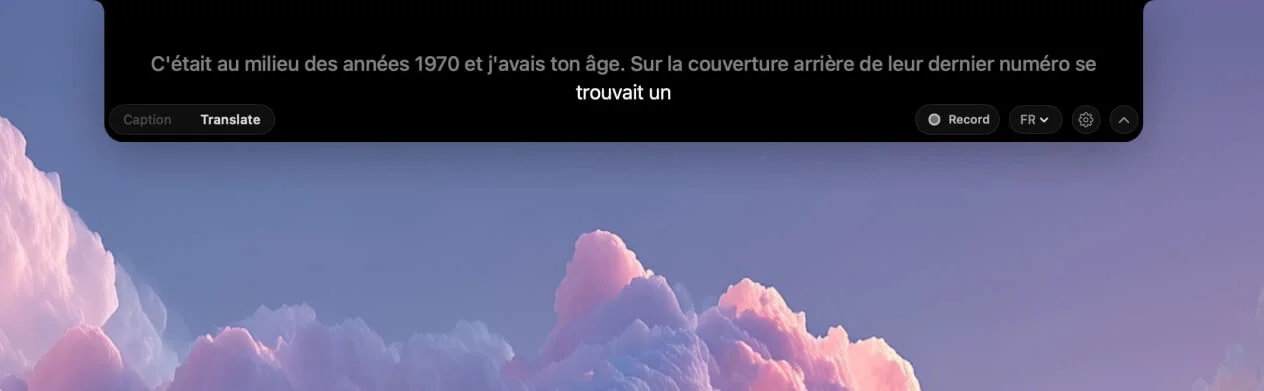
NotchLive provides translated speech in 20 languages using Apple's own on-device Translation framework. Hear English, read Spanish. Hear Japanese, read German. The translation runs locally on your Mac — same privacy as Apple's own features.
3. Blanks out during screen recording
This is a well-documented limitation that frustrates many users. As accessibility researcher Quinn Keast noted, Apple Live Captions completely blanks out when screen recording is active — with no warning. If you're recording a tutorial, streaming, or in a meeting where someone shares their screen, your captions vanish.
NotchLive's Caption Display window was built specifically for this. It stays visible during screen recording and screen sharing, so your Zoom audience or stream viewers see live captions alongside your content.
4. No session recording or transcripts
Apple Live Captions shows text in real-time but doesn't save it. Once the audio stops, the captions are gone. There's no way to go back and review what was said, search through a meeting, or export a transcript.
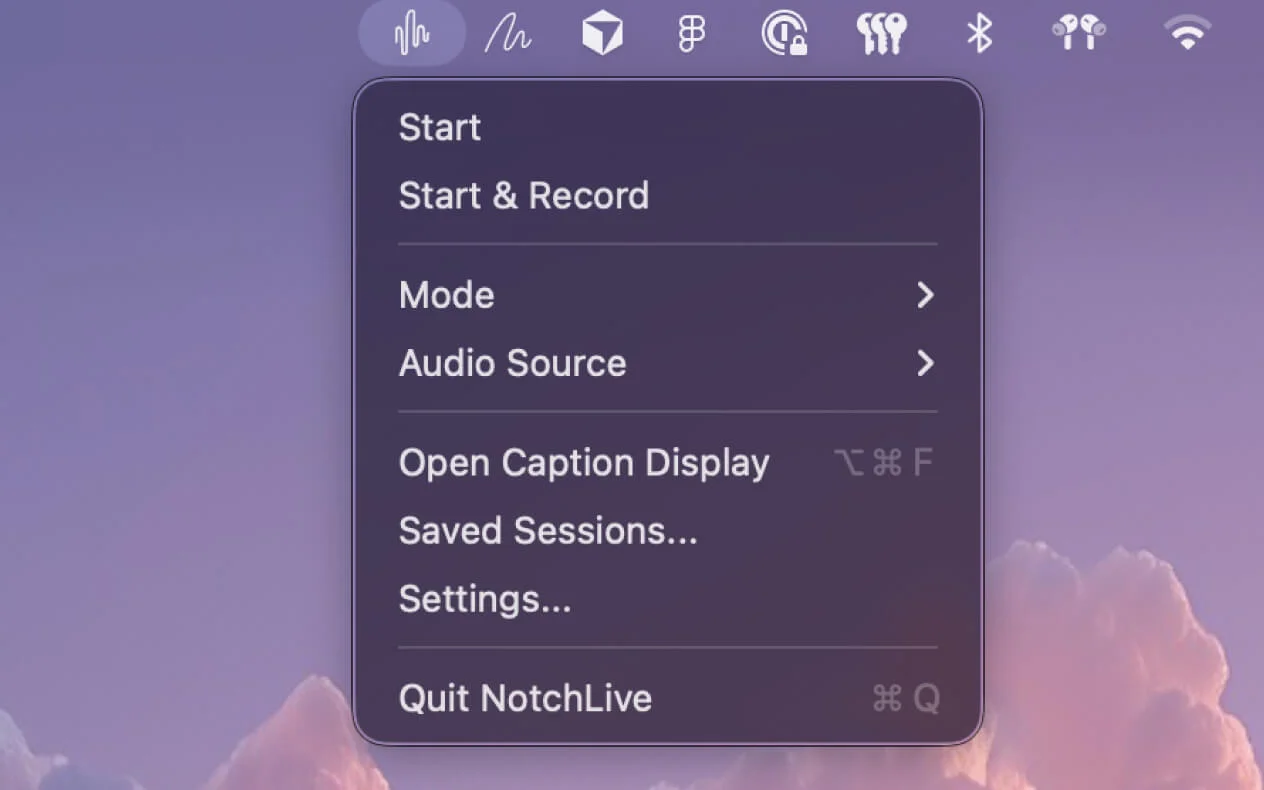
NotchLive lets you record sessions and save full transcripts with timestamps. Review any meeting, lecture, or podcast later. Export as TXT, Markdown, or JSON for your notes, docs, or workflows.
5. Silent failures
When Apple Live Captions stops working — and it does — there's no error message, no diagnostic, no indication of why. For users who depend on captions for accessibility, this silent failure means sudden, unexplained loss of communication access.
Where Apple Live Captions Wins
Let's be fair — Apple's solution has clear advantages:
Zero setup. It's built into macOS. Toggle it on in System Settings and you're done.
Works system-wide including FaceTime. Deep OS integration means it captures audio at the system level with no permissions needed.
Free forever. No tiers, no upsells, no license keys.
Improved accuracy. The macOS Tahoe update brought significant accuracy improvements that put it competitive with the best on-device solutions.
Cross-device. Works on iPhone, iPad, and Mac with a consistent experience.
If all you need is basic English captions for occasional use, Apple Live Captions is genuinely good — especially after the Tahoe update.
Real-World Use Cases: Which Should You Pick?
Choose Apple Live Captions if you...
Only need English transcription for occasional use
Don't need to save transcripts or review meetings later
Never screen share or record while using captions
Want zero-setup convenience with no extra apps
Choose NotchLive if you...
Attend meetings in multiple languages and need translated speech
Share your screen on Zoom, Meet, or Teams and want your audience to see captions
Need meeting transcripts you can search, review, and export
Want non-intrusive captions that don't take up screen space
Use captions daily and need reliability during screen recording
Caption non-English audio — Whisper supports 90+ languages
Can You Use Both?
Yes. There's no conflict between Apple Live Captions and NotchLive. Some users keep Apple Live Captions as a system-level fallback while using NotchLive for meetings, lectures, and anything they want to record or translate.
Since both run entirely on-device, there's no cloud dependency or privacy trade-off either way.
Bottom line: Apple Live Captions is a solid built-in option for basic English transcription. NotchLive adds translation, session recording, screen sharing captions, and a notch-native UI that stays out of your way. If captions are a nice-to-have, Apple's solution works. If they're essential to your workflow, NotchLive is worth the upgrade.
Try NotchLive free
Live captions and translated speech in your MacBook's notch. On-device Whisper AI. 100% private. Free forever — Pro $24.99 one-time.
 NotchLive