 Guide
Guide
How to Translate Video Audio on Mac in Real Time
Follow YouTube, webinars, livestreams, and local video players with original and translated captions while the audio plays on your Mac.
September 26, 2026 · 7 min read
 Guide
Guide
How to Transcribe Audio or Video on Mac
Import a recording into NotchLive, create a local transcript with audio playback, review speakers, and add translations without changing the original file.
September 11, 2026 · 6 min read
 Guide
Guide
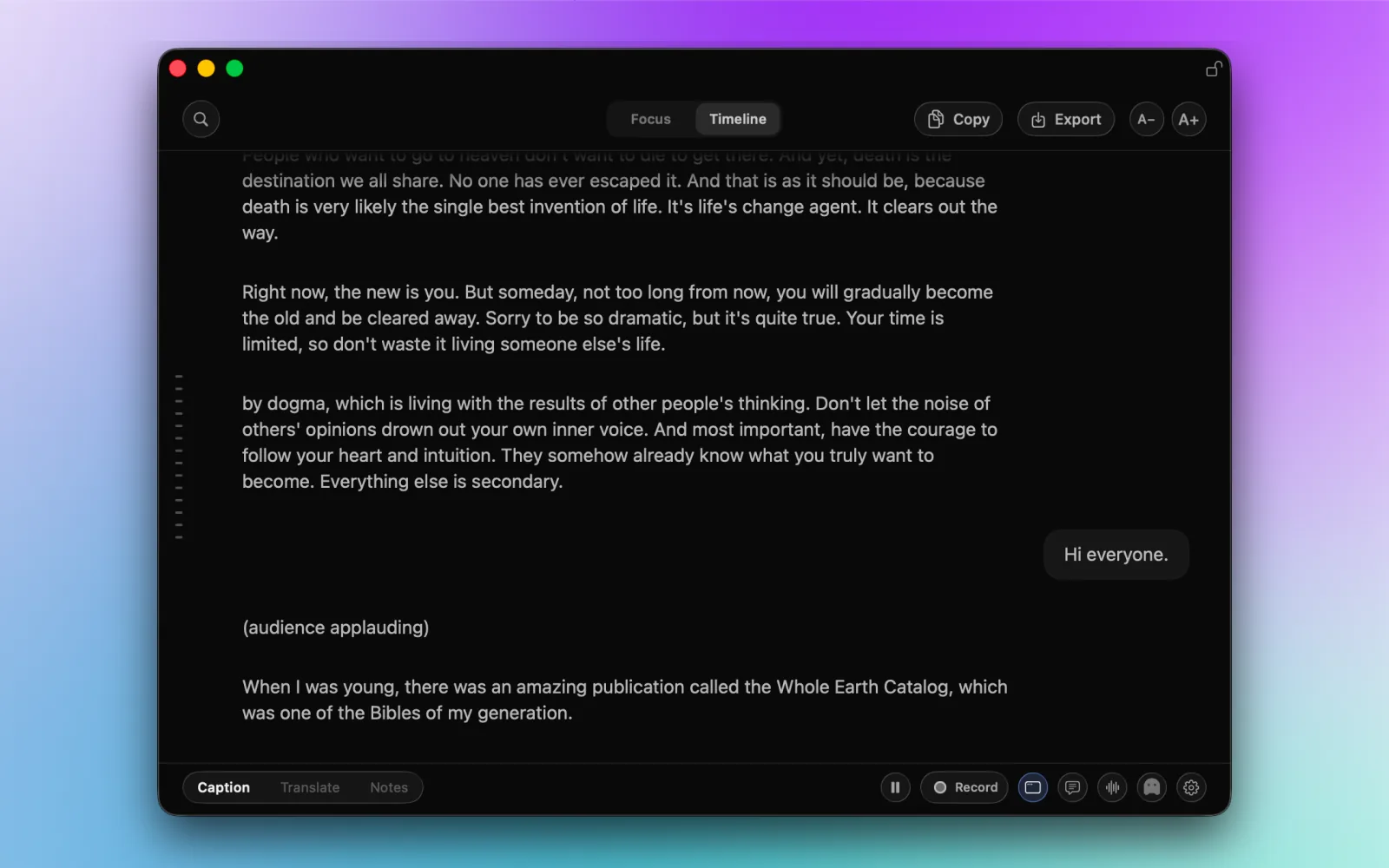
How to Use Live Timeline in NotchLive
Read back a missed detail, search the current conversation, and return to live captions. Includes copying, export, and the difference between live context and saved sessions.
September 4, 2026 · 5 min read
Guide
How to Use the Floating Caption Window
Put captions where you need them: open the floating window, resize it, change text size, and keep it above your working app.
September 4, 2026 · 4 min read
Guide
How to Use Focus Mode for Live Captions
Follow the latest caption without a scrolling transcript, adjust the reading size, and switch to Timeline whenever you need to look back.
September 4, 2026 · 4 min read
 Privacy
Your Mac Does the Work. Why Local AI Shouldn't Be a Subscription.
You bought the hardware. You supply the compute. Why should a local AI tool stop working when you stop paying monthly? Our case for owning the software you run.
September 3, 2026 · 6 min read
 Comparison
NotchLive vs Wispr Flow: Which Mac Dictation App Should You Use?
NotchLive keeps recognition local and covers captions and translation. Wispr Flow goes further on rewriting and cross-platform voice typing. Here is the honest tradeoff.
August 31, 2026 · 9 min read
 MCP + Translation
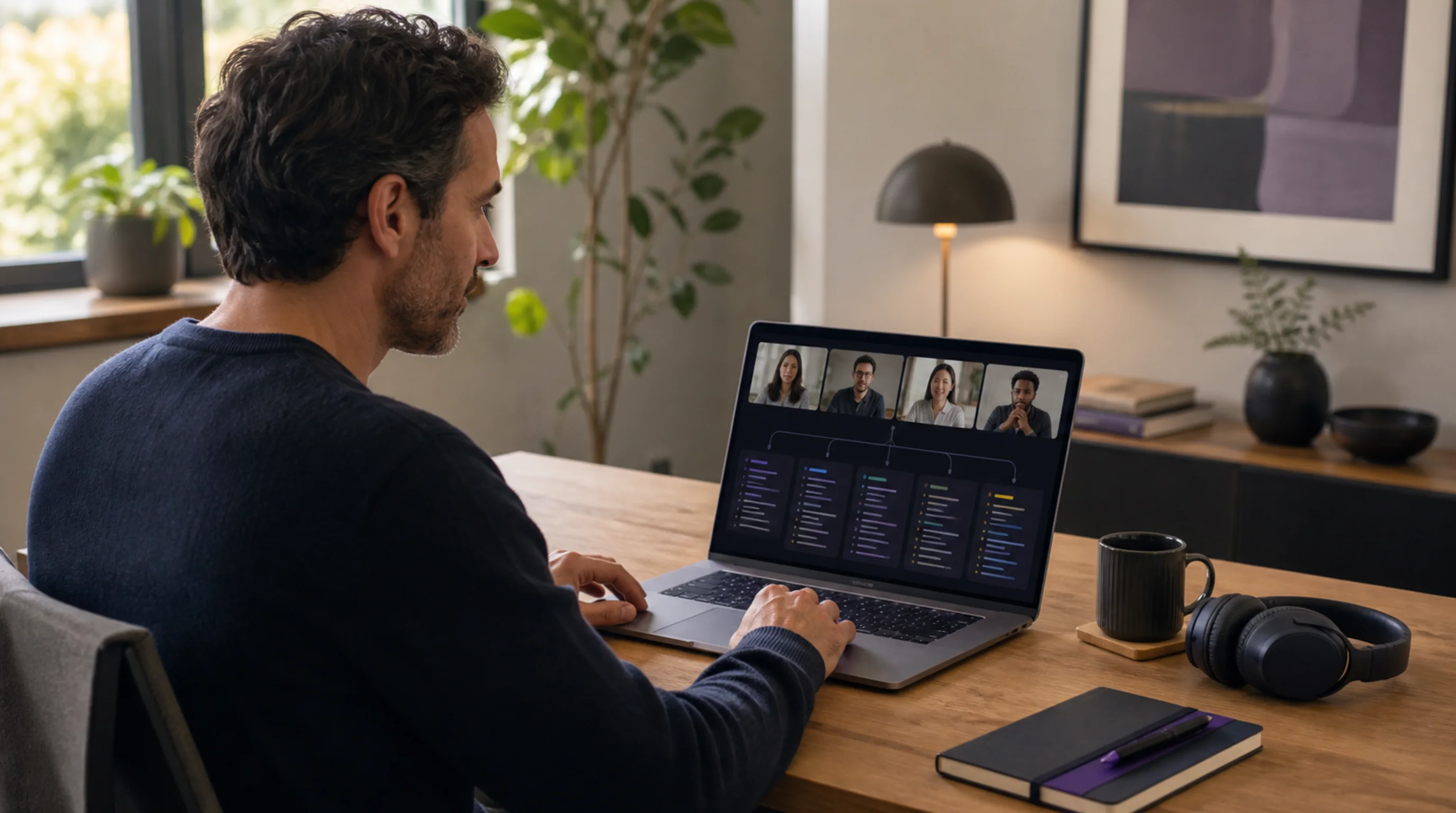
Translate Live Captions Into Multiple Languages With MCP
Turn one live NotchLive caption stream into several requested translations at once with Codex or Claude.
August 17, 2026 · 8 min read
 Accessibility
Speech-to-Text for Deaf and Hard-of-Hearing People
A practical guide to apps, dedicated devices, computer captions, and professional services—and when automatic speech-to-text is not enough.
August 5, 2026 · 7 min read
Guide
How to Copy Live Captions During a Zoom Meeting on Mac
Scroll, search, copy, and export the current live transcript while new Zoom captions keep arriving.
July 26, 2026 · 6 min read
 Accessibility
When Your Hearing Test Is Normal but Speech Is Still Hard to Understand
A normal hearing test does not always explain why speech is hard to follow in noise. Learn what to ask an audiologist and where live captions on Mac may help.
July 20, 2026 · 7 min read
 Focus
Focus
Live Captions and ADHD: Staying in the Meeting When Attention Drifts
Why captions help when attention drifts in meetings and lectures, what they will not fix, and how to use free private live captions on your Mac.
July 18, 2026 · 6 min read
 Accessibility
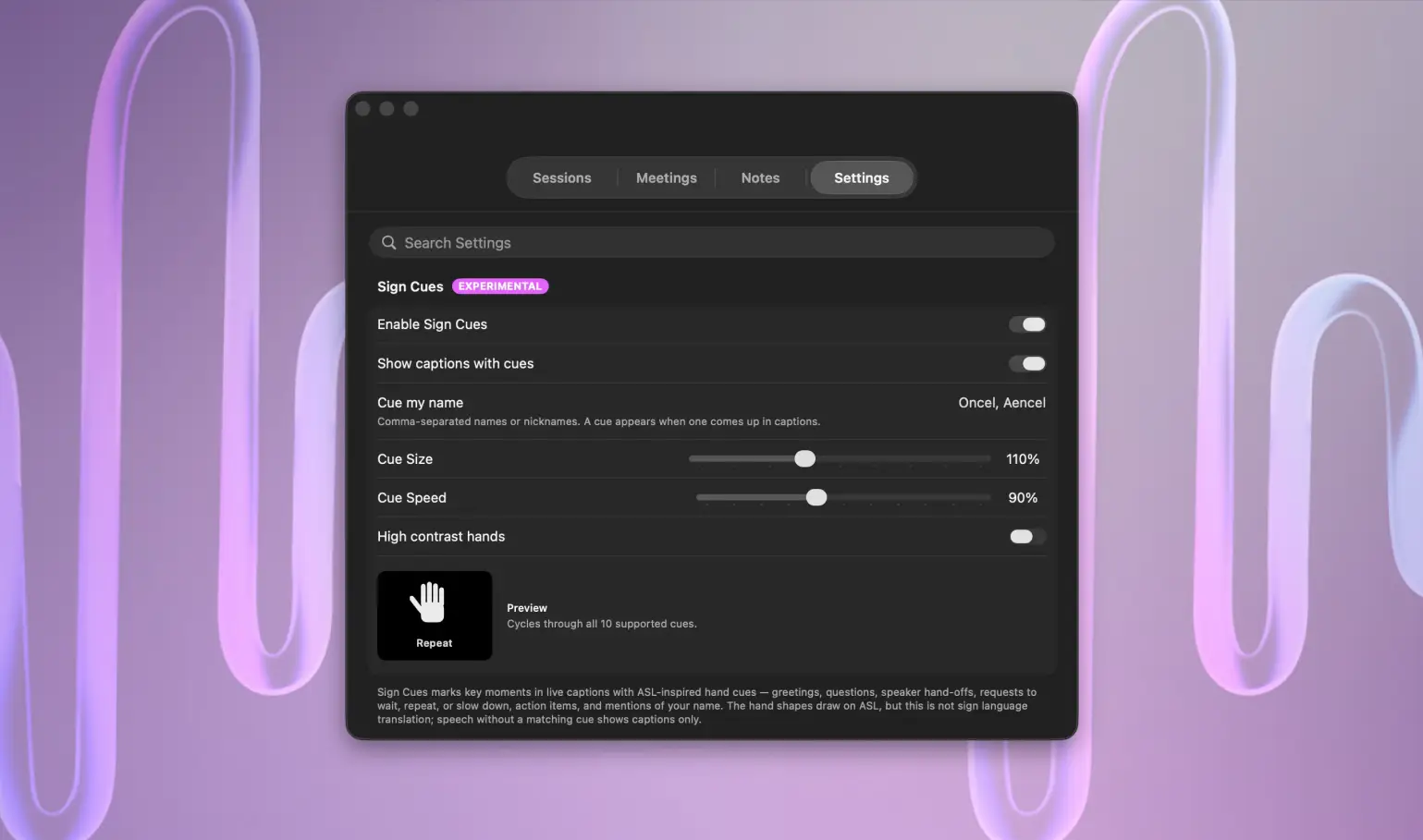
Sign Cues in NotchLive: ASL-Inspired Visual Cues for Live Captions
Why NotchLive added experimental ASL-inspired visual cues for live captions, and why they are not sign language translation.
Updated July 3, 2026 · 8 min read
 AI Notes
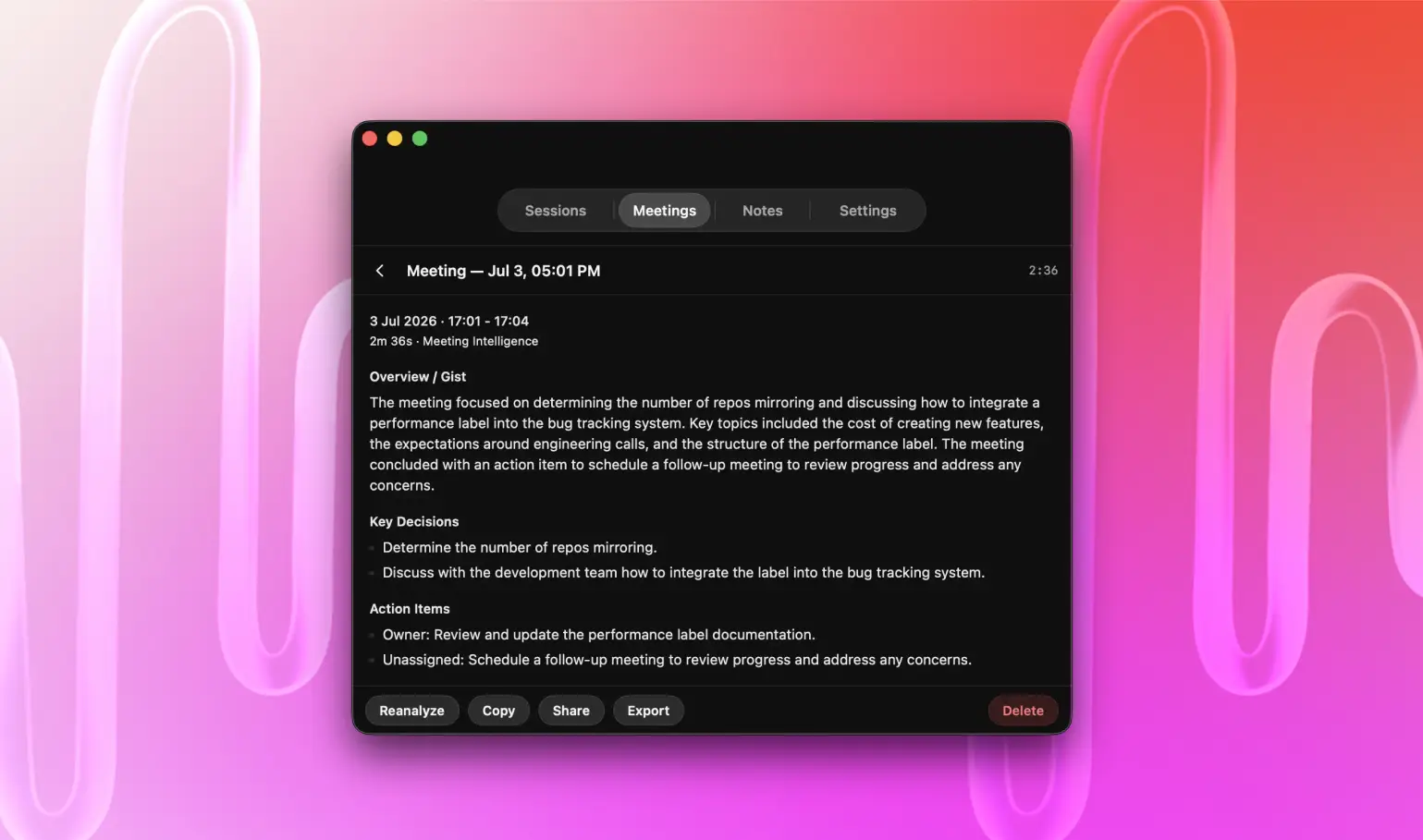
How to Take AI Meeting Notes on Mac Without a Meeting Bot
Use live captions, language-aware Meeting Intelligence, and optional reviewed transcripts to create private AI meeting notes on Mac without a bot.
Updated August 27, 2026 · 12 min read
 Guide
Guide
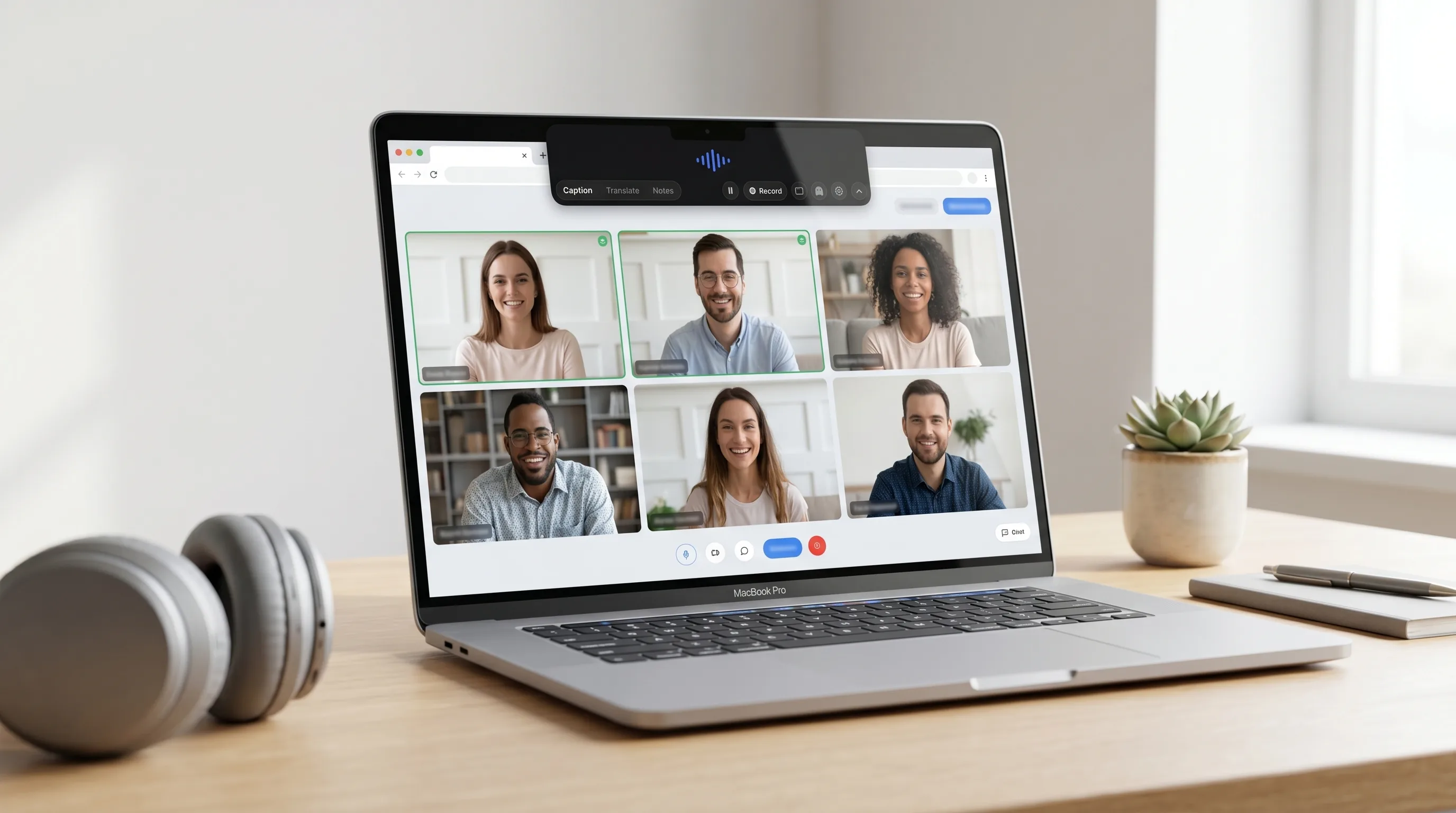
How to Caption Google Meet Calls on Mac
Compare Google Meet captions, Apple Live Captions, and NotchLive private Mac captions without a meeting bot.
Updated June 24, 2026 · 7 min read
 Guide
Guide
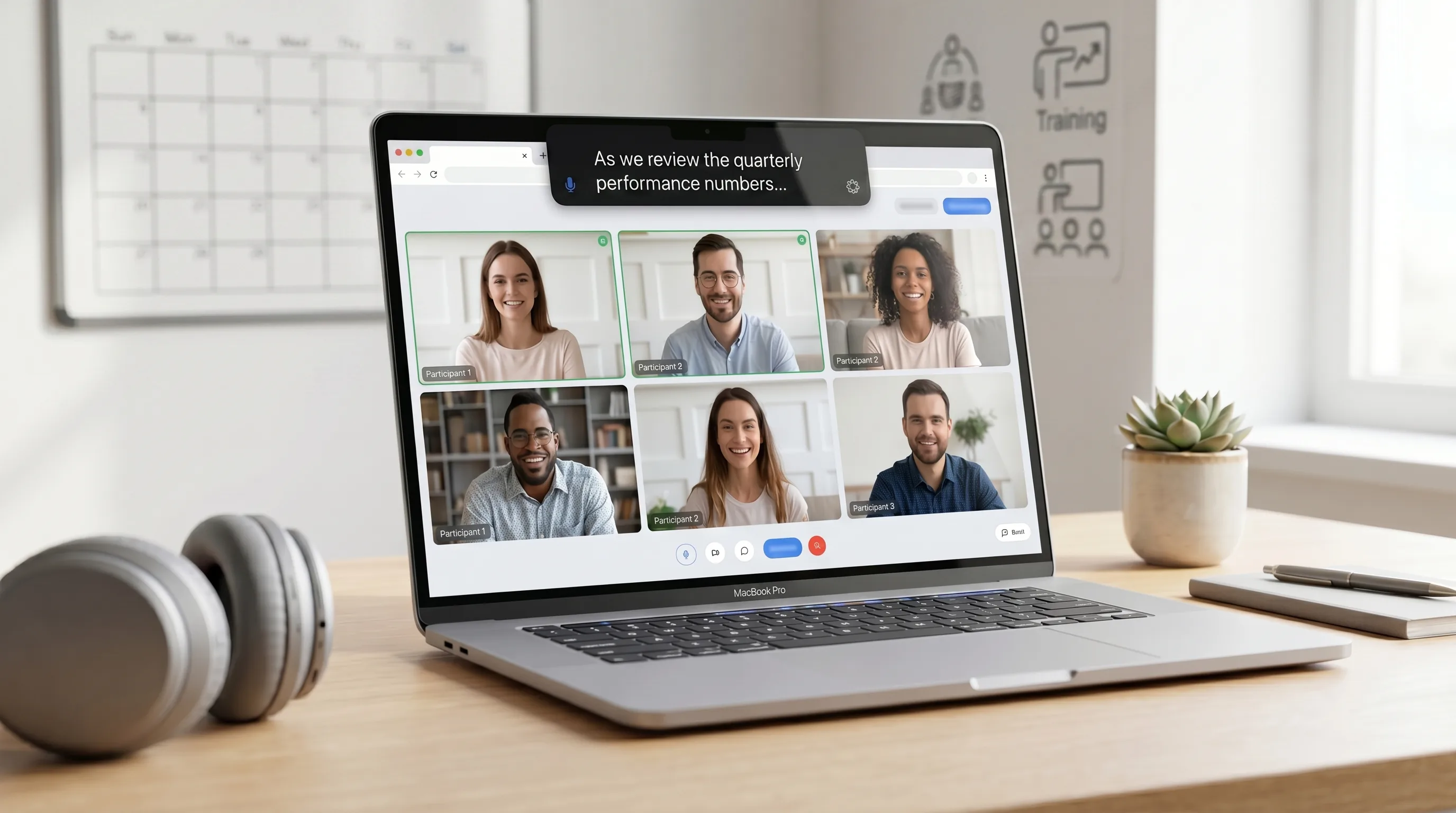
How to Caption Microsoft Teams Calls on Mac
Private captions for Teams calls, trainings, webinars, and shared audio on Mac.
Updated June 24, 2026 · 7 min read
 Teams
Teams
Live Translation for Multilingual Teams
Live translated captions for international calls, cross-language meetings, customer conversations, and distributed teams.
May 17, 2026 · 7 min read
 Accessibility
Live Captions for Hearing Accessibility on Mac
Private on-device captions for hard-of-hearing users, noisy rooms, fast meetings, videos, lectures, podcasts, and microphone speech.
Updated June 24, 2026 · 7 min read
 Privacy
Private Meeting Transcription Without a Meeting Bot
Meeting bots are useful, but they are not always welcome. Here is how NotchLive gives you local captions, transcripts, and notes without joining your call.
April 25, 2026 · 7 min read
 Voice Notes
Speech-to-Text Notes for Mac, Right in the Notch
NotchLive Pro now turns speech into focused notes with Raw and AI-cleaned views, local saved notes, export, and a clean handoff to NotchPad.
April 25, 2026 · 6 min read
 Listicle
Best Live Caption Apps for Mac in 2026
From built-in Apple Live Captions to on-device Whisper AI apps — we compare the top 5 ways to get live captions on your Mac, with honest pros and cons for each.
March 12, 2026 · 10 min read
 Comparison
NotchLive vs Apple Live Captions: Which Is Better for Your Mac?
Apple Live Captions is built-in and free. So why would you use anything else? We compare accuracy, features, translation, and real-world use cases to help you choose.
March 12, 2026 · 8 min read
 Guide
Guide
How to Get Live Captions on Zoom for Mac
Turn on Zoom captions, use Apple Live Captions, or caption the call privately on your Mac when meeting captions are unavailable.
Updated September 26, 2026 · 7 min read
 Guide
Guide
Real-Time Subtitles on Mac for Any Audio
Compare three ways to caption calls, videos, podcasts, and other Mac audio with on-device and built-in options.
Updated August 10, 2026 · 6 min read
 Explainer
Free Speech-to-Text for Mac: On-Device Whisper AI Explained
How OpenAI's Whisper turns your Mac into a free, private transcription machine — no internet, no subscriptions, no data leaving your computer.
March 12, 2026 · 7 min read
 NotchLive