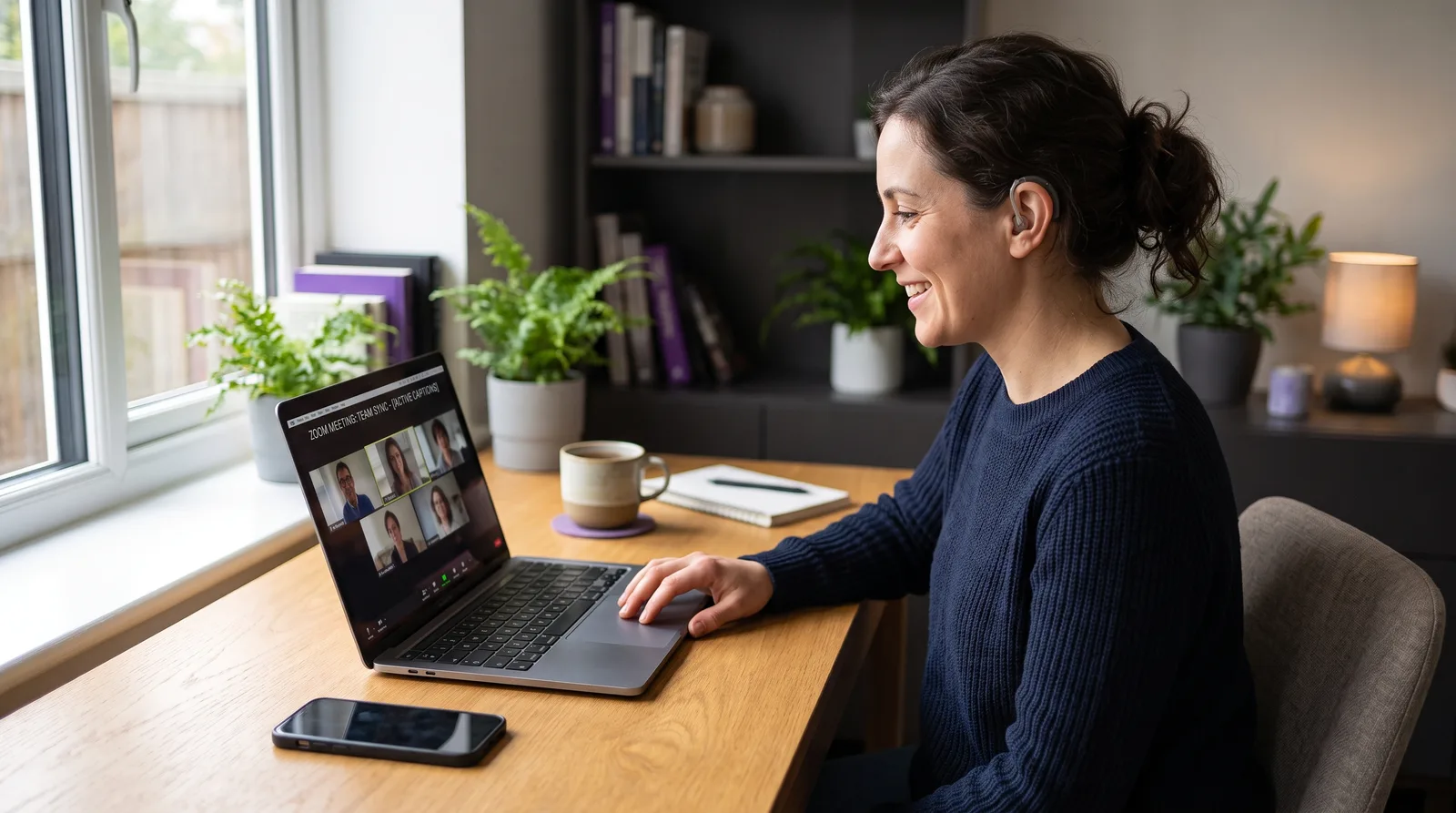
Speech-to-text for deaf and hard-of-hearing people
August 5, 2026 · 7 min read
Speech-to-text can support calls and online meetings, but the right setup depends on where the speech originates.
Search for a speech-to-text device for a deaf or hard-of-hearing person and the recommendations usually mix together phone apps, dedicated hardware, computer captions, and professional services. Each can be useful, but they solve different communication situations.
For an in-person conversation, Zoom call, lecture stream, training video, podcast, or voice message, the most important question is not which option has the longest feature list. It is where the voice is coming from, how dependable the captions need to be, and whether the tool can receive that audio clearly.
The short answer: Use microphone speech-to-text for people speaking nearby. Use direct device-audio captions when speech is playing on a computer or phone. For formal accommodations or situations where mistakes carry serious consequences, use qualified communication support rather than relying on a consumer AI app.
Phones, dedicated devices, and computer apps solve different problems
Phone speech-to-text apps
A phone is easy to place between two people. Its microphone can capture nearby conversation, and it is portable enough for shops, appointments, travel, or a quick exchange away from a desk. RNID lists several phone-based options and describes them primarily as tools for everyday personal use.
Dedicated speech-to-text devices
Dedicated hardware can make sense when portability, multiple microphones, speaker direction, or a purpose-built display matters more than using an existing computer. The tradeoff is another device to buy, charge, carry, and position.
Computer speech-to-text apps
A compatible computer app has one important advantage during digital work: it may be able to caption the audio already playing through the computer. That avoids placing a phone beside the speakers and asking its microphone to listen to sound the computer already has in a cleaner form. Platform support and audio-capture capabilities vary, so check both before choosing an app.
Professional speech-to-text services
Professional services such as CART, C-Print, and TypeWell are accommodations delivered by qualified providers. The National Deaf Center emphasizes that the appropriate service depends on the person’s communication preferences, goals, and environment. Automatic captions are useful, but they are not a universal substitute.
The input matters more than the brand name
Automatic speech recognition can only work with the audio it receives. A phone microphone across a noisy room, compressed call audio, overlapping speakers, unfamiliar names, and technical vocabulary can all reduce accuracy.
On a computer, it helps to separate two audio paths:
System or device audio is speech from Zoom, Google Meet, Microsoft Teams, a browser video, a podcast, or another app.
Microphone audio is your own voice or a person speaking near the computer.
A useful caption app should let you choose the path that matches the situation instead of forcing everything through one microphone.
What to look for in speech-to-text software
Direct device-audio capture. This is the clearest fit for calls, videos, lectures, and other speech originating on the computer or phone.
A microphone option. It should also handle nearby speech when the conversation is happening in the room.
Readable, persistent text. Captions should remain visible long enough to follow, with an option to look back when you miss a line.
Clear privacy boundaries. Know whether audio is processed locally, uploaded, recorded, or retained.
Platform compatibility. Confirm that the app supports your operating system and can capture the particular audio source you need.
Honest limitations. No automatic caption tool is perfectly accurate, and a capture-source label is not the same as identifying every speaker.
How NotchLive fits this use case
NotchLive is a Mac app that captions supported system audio, microphone input, or both. It works beside the app already playing the speech rather than joining the meeting as another participant.
Speech recognition runs on-device with Whisper. The live caption view can stay compact near the top of the screen, while Live Timeline lets you scroll back, search, and copy finalized captions from the current run. Recording is optional; opening the timeline does not automatically create a saved transcript.
The free tier covers live captions. Pro adds features such as translated captions, saved sessions, exports, and Meeting Intelligence. For a broader feature overview, see live captions for Mac and the hearing-accessibility guide.
Where an automatic speech-to-text app is not enough
Consumer speech-to-text can be helpful for everyday access, but it should not be presented as guaranteed communication access. Consider professional or regulated support when:
the setting is healthcare, legal, educational, emergency-related, or otherwise high stakes;
a formal workplace or classroom accommodation is required;
you need reliable identification of multiple speakers;
specialized vocabulary or exact wording is essential;
the deaf or hard-of-hearing person prefers an interpreter, CART, another speech-to-text service, or a combination of accommodations.
The person using the accommodation should lead that decision. There is no single “best” system for every deaf or hard-of-hearing person or every situation.
Quick answers
Can a computer replace a dedicated speech-to-text device?
Sometimes. A compatible computer app is a strong fit for speech already playing on that computer. A phone or dedicated device may be more practical for mobile and in-person conversations, especially when several people are speaking around a room.
Can NotchLive caption Zoom, Meet, Teams, and videos?
It can caption supported speech that the Mac can capture from those apps without requiring their built-in caption controls or adding a meeting bot.
Does NotchLive identify individual speakers?
On Apple silicon, NotchLive can separate remote system-audio voices into anonymous, meeting-local speaker labels while microphone captions remain assigned to You. Labels can still be wrong, so recorded Pro sessions include participant review and correction.
Is automatic speech-to-text a replacement for CART?
No. Automatic captions can support everyday access, but CART and other professional speech-to-text services serve a different role where qualified human support and dependable accommodation are required.
 NotchLive