
Cross-language business calls
Help teammates follow roadmap reviews, customer calls, founder updates, sales demos, and technical discussions when the meeting language is not their strongest language.
 NotchLive Teams
Live translated captions for Zoom, Google Meet, Teams, videos, customer calls, and training sessions on Mac. Team Packs keep licensing simple: one shared key, fixed activations, one-time purchase.
Team Pack 5, 10, and 25 · shared-key lifetime licenses · Mac live translation app macOS 14+ · Apple Silicon recommendedCaption Zoom, Google Meet, Microsoft Teams, videos, webinars, podcasts, and microphone audio from the Mac.
NotchLive runs locally for each teammate. It does not join the call, record as a participant, or move the meeting into another workspace.
Buy a Team Pack once, receive one license key, and use it for the fixed Mac activation count included with the pack.
NotchLive is for the person who needs to follow fast speech, accents, customer context, or a second language in real time.
Help teammates follow roadmap reviews, customer calls, founder updates, sales demos, and technical discussions when the meeting language is not their strongest language.

Read live translated captions during cross-border sales, support, consulting, vendor, and implementation calls where every word matters.

Keep distributed team rituals moving across accents, noisy audio, rapid updates, and mixed language confidence levels.
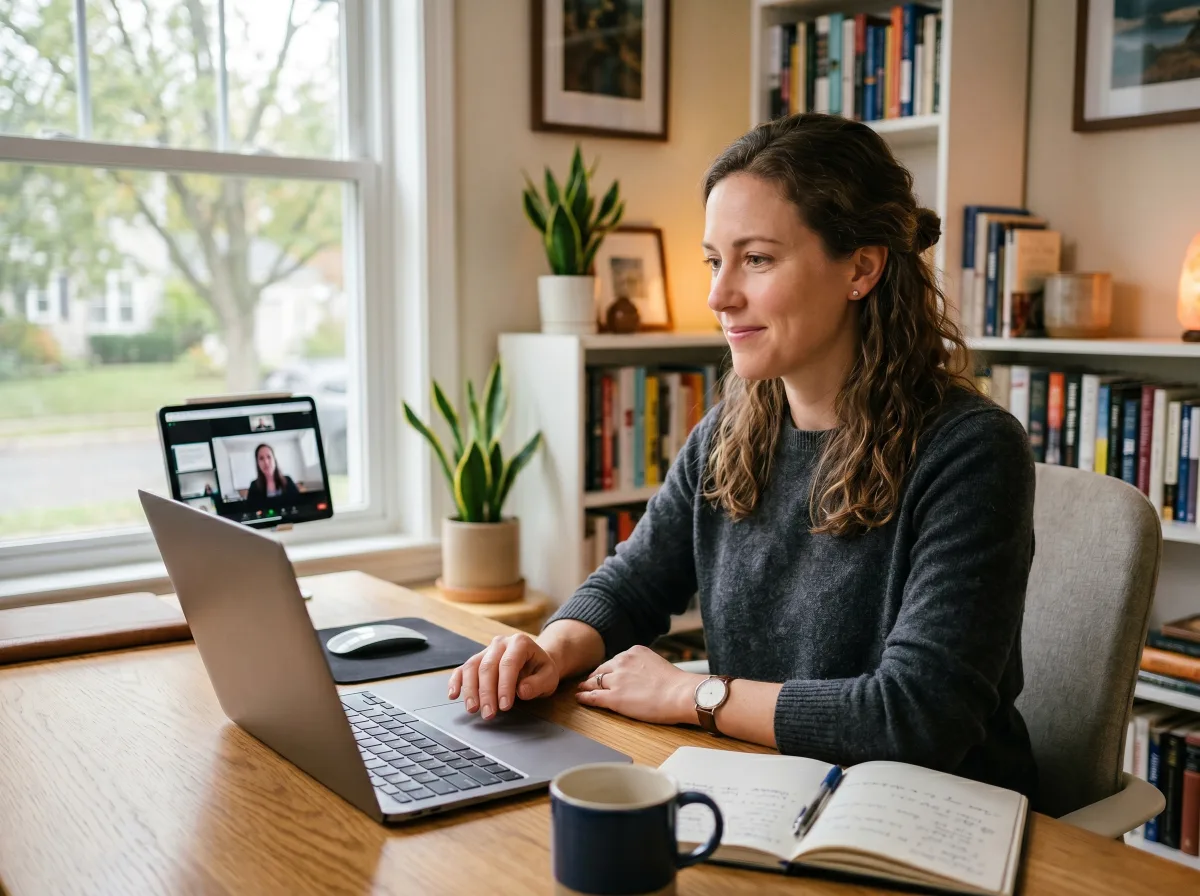
Caption internal videos, product walkthroughs, remote trainings, and recorded sessions from any Mac app that plays audio.
The model is intentionally simple. Each Mac runs NotchLive locally, and the purchaser manages who receives the shared key.
A teammate joins an existing call, watches a video, opens a training session, or uses microphone mode.
Whisper AI captions speech on-device. Pro translation uses Apple Translation where supported by macOS.
The purchaser receives one shared key with the fixed activation count for the selected Team Pack.
No accounts, named users, SSO, central revocation, or admin console. Those can come later if customers ask for them.
Buy once, receive one shared license key, and distribute it only to authorized teammates. No subscription. No account system.
$19.80 per activation
$16.90 per activation
$13.16 per activation
Team Pack keys are shared-key licenses for the purchasing team or organization. They are not named seats and do not include individual account management, centralized revocation, SSO, SCIM, audit logs, or an admin console.
Use a full meeting workspace when your team needs shared archives, speaker labels, admin roles, procurement workflows, SSO, or compliance review.
For larger rollouts, security review, or procurement questions, see the enterprise deployment options.
Each Mac user reads captions or translation privately while staying in the existing meeting app.
Team Packs are not an account system. Revoking one employee without rotating the shared key is not supported yet.
No. Team Pack is a shared license key with a fixed number of Mac activations. It does not include accounts, named users, SSO, or centralized admin controls.
No. Shared keys are not named seats. The purchaser controls key distribution, and support is handled through the purchaser email.
No. Speech recognition runs on your Mac. NotchLive does not join meetings and does not provide cloud audio transcription.
NotchLive works with Mac system audio and microphone audio, including Zoom, Google Meet, Microsoft Teams, videos, podcasts, and webinars.
Whisper AI captions speech across 90+ languages. Pro translation uses Apple Translation for 20 languages, depending on macOS support and installed language packs.
No. Team Packs are one-time purchases. The license key is perpetual for the activation count included with the purchased pack.
From TinyThings — also check out NotchPad, the secure notepad for your MacBook's notch.