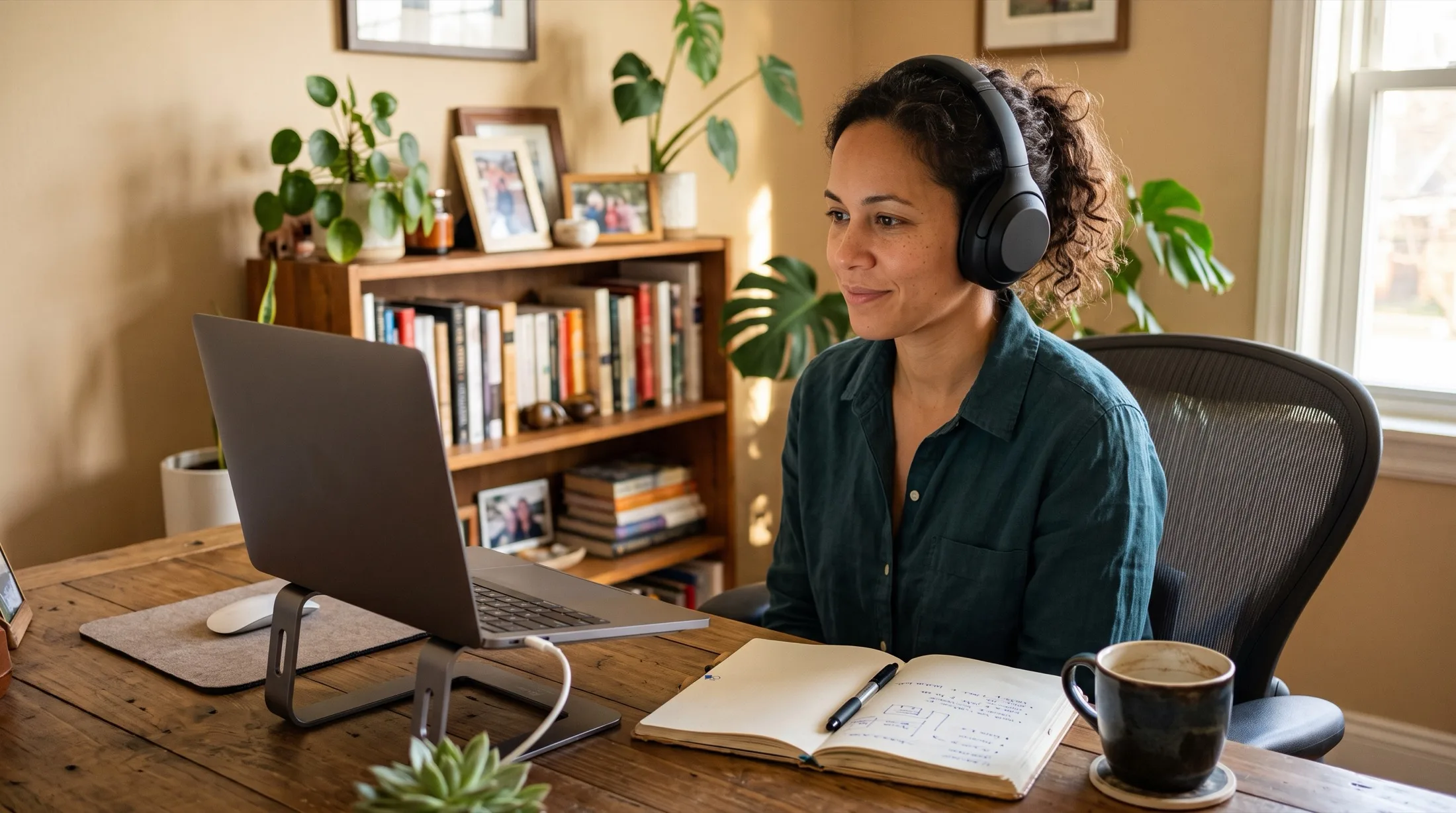
Live captions and ADHD: staying in the meeting when attention drifts
July 18, 2026 · 6 min read
You are twenty seconds into an important explanation when your attention leaves. Not because you decided anything. It just leaves. When it comes back, the speaker is three sentences ahead, and you are doing quiet math: ask them to repeat it, again, or try to reconstruct the missing piece from context and hope it was not the part that mattered.
If you have ADHD, some version of that loop probably runs through your meetings, lectures, and training videos every week. This post is about one specific, unglamorous support that helps many people with that loop: live captions.
Boundary first: NotchLive is not a treatment for ADHD, and this is not medical advice. Captions are a support that many people find useful, not a fix for executive function. Also worth saying up front: live captions in NotchLive are free, so this post is not building up to an upsell.
Why captions help when attention drifts
Many people with ADHD already know this from streaming: subtitles on everything, always, and not because of hearing. Reading and listening together holds the thread in a way listening alone does not. The words arrive on two channels, and when one slips, the other catches.
The research on captions points the same way. A review of more than one hundred studies by Morton Ann Gernsbacher at the University of Wisconsin–Madison found that captions improve “comprehension of, attention to, and memory for the video” across viewers in general, not only for people who are deaf or hard of hearing. Captions were built as an accessibility feature and turned out to work like curb cuts: useful to nearly everyone who rolls or walks over them.
There is also a quieter overlap here. Many people with attention differences describe something like a processing lag: the words arrive, but assembling them into meaning takes a beat longer than the conversation allows. Text removes that assembly step. You do not have to hold a sentence in working memory while decoding it, because it is still there when you look.
The catch-up problem is the real problem
Attention drift itself is rarely the disaster. Conversations have redundancy, and everyone misses moments. The real cost is re-entry. A live conversation has no rewind button, so the moment you notice you drifted, you are already negotiating: interrupt and ask, or fake it and piece things together.
This is where live captions earn their place. With NotchLive, the recent lines sit in the notch at the top of your screen. When you surface from a drift, you glance up, read the last two sentences, and you are back. No interruption, no apology, no reconstruction project. The drift still happened; it just stopped being expensive.
Caption lines that vanish as fast as they appear only half-solve this, which is why the glance-back matters more than the captions themselves. NotchLive keeps the recent lines readable in place, and Pro can keep full session transcripts if you want the whole record afterward.
Notes or presence: the dilemma captions dissolve
Meetings with ADHD often force a bad choice. Take notes, and you are task-switching every few seconds, which splits the exact attention you are trying to protect. Skip notes, and you are trusting working memory with the follow-ups, which is the other thing meetings punish.
Captions with a transcript dissolve the choice. You stay present and read along while the record writes itself. In NotchLive, the live captions are the free part; saved sessions, exports, and Meeting Intelligence summaries are part of Pro. Pro is a one-time purchase, which deserves a sentence of its own here: it is not another subscription quietly renewing in the background, and anyone who has paid three months for an app they forgot about knows exactly why that matters.
Support without an announcement
A lot of people never request accommodations at work. Not because support would not help, but because requesting it means announcing something they would rather keep private. Most caption and transcription tools make that announcement for you: a bot joins the call, a banner appears, your name shows up next to an integration everyone can see.
NotchLive runs entirely on your Mac. It captions the audio your Mac is already playing, so nothing joins the meeting, nothing appears in the participant list, and nobody knows unless you tell them. That is not about hiding anything. It is about disclosure being your decision, made on your schedule, not a side effect of your tooling.
Setting it up takes about a minute
Install and set up NotchLive, then pick an audio source: system audio for calls, videos, and lectures, or the microphone for in-person conversations.
Start captions. They appear in the notch area at the top of your screen, above whatever you are working in.
That is it. Because NotchLive captions Mac audio rather than any specific app, it works the same for Zoom, Google Meet, Microsoft Teams, browser videos, course recordings, and podcasts.
For students, the lecture case is the same mechanic: captions on the recording or the live stream, and the drift-and-return loop gets cheaper for a two-hour class the same way it does for a thirty-minute standup.
What captions will not do
Honesty section. Captions will not make a boring meeting interesting. They will not fix executive function, planning, or follow-through, and they are not a substitute for whatever strategies or treatment already work for you.
Reading while listening is also not universally better. For some people it adds load instead of removing it, or the caption stream itself becomes the distraction. There is no way to know which side you land on except trying: turn captions on for one meeting, notice whether the hour felt lighter or heavier, and keep them only if they earn it. Since the captions are free, the experiment costs nothing but the one meeting.
NotchLive shows private, on-device live captions for any Mac audio. Captions are free forever. Pro adds translation, saved transcripts, and Meeting Intelligence with a one-time purchase.
 NotchLive