 NotchLive
Your Mac can handle dictation. We made it free.
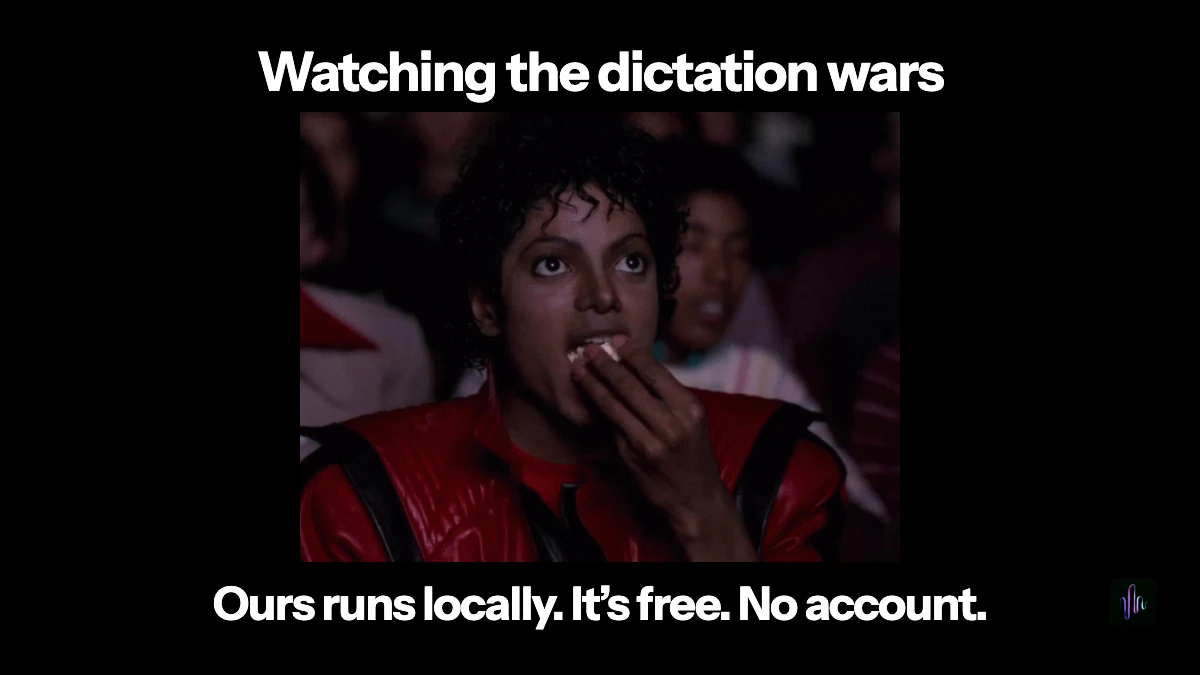
The Granola and Wispr drama has been entertaining. It also made me reconsider something in NotchLive.
Dictation was part of Pro. I’ve moved it to the free version.
You already bought the Mac. It has a microphone, a processor and enough power to turn your speech into text. I don’t think that needs another account and a recurring bill.
Somehow, talking to your own computer became a cloud service with a pricing page.
Impressive logistics for answering an email.
Free is good. Local matters too.
Free dictation already exists. Granola offers it, and Wispr has a free tier. Good. More people should have access to it.
Where the recognition happens matters too.
Wispr’s documentation says transcription always happens in the cloud. Its model-improvement and dictation-storage controls are separate, with both enabled by default unless restricted. Users can turn them off, but opting out of training doesn’t turn cloud transcription into local transcription.
I wanted to dictate a sentence. Why am I configuring a data-sharing policy?
And those enormous word-count milestones? A usage counter can count words without retaining their contents. The number alone doesn’t tell us whether anyone kept the conversation. Wispr says it does not sell your data, and its aggregate word counts exclude dictation contents. The documented processing and storage choices are much more useful things to look at.
Your Mac can do this job.
With NotchLive, speech recognition runs on your Mac. Download the required model, and it works offline. No NotchLive account. No dictation subscription.
McKinsey will have to find another way to hear your thoughts.
Dictation isn’t one of them.
What’s free in 1.14.1
Ordinary Dictation, your Personal Dictionary and local Dictation history are now included in NotchLive Free. Speak into supported Mac text fields using your selected Apple or Whisper speech engine. Translated Dictation remains part of Pro.
You can also choose Fn / Globe as your Dictation shortcut: hold to speak and release to insert, or use Toggle mode to start with one press and finish with the next. Existing custom shortcuts are preserved.
NotchLive requires macOS 14 or later. Apple speech needs macOS 26 or later and a supported Mac and language; Whisper is available on macOS 14 or later. Dictation needs microphone access and Accessibility permission to insert text. Sessions have a 20-minute limit. The Dictation setup guide covers model preparation, permissions and Fn / Globe settings.
Recognition stays local. Optional anonymous diagnostics exclude speech content; the privacy page explains diagnostics, website analytics, downloads and updates.
You already paid for the Mac. Let it work.
Update to NotchLive 1.14.1, prepare your speech model, and start talking.
Download NotchLive Free