 NotchLive
What is speaker diarization, and how does it work?
Speaker diarization turns a transcript into a conversation by showing who spoke when. This guide explains how voice segments become speaker labels, why those labels sometimes change, and how NotchLive keeps the entire workflow local and reviewable on your Mac.
Clear definitions · Local speaker attribution · Real-world limits · Reviewed August 2026
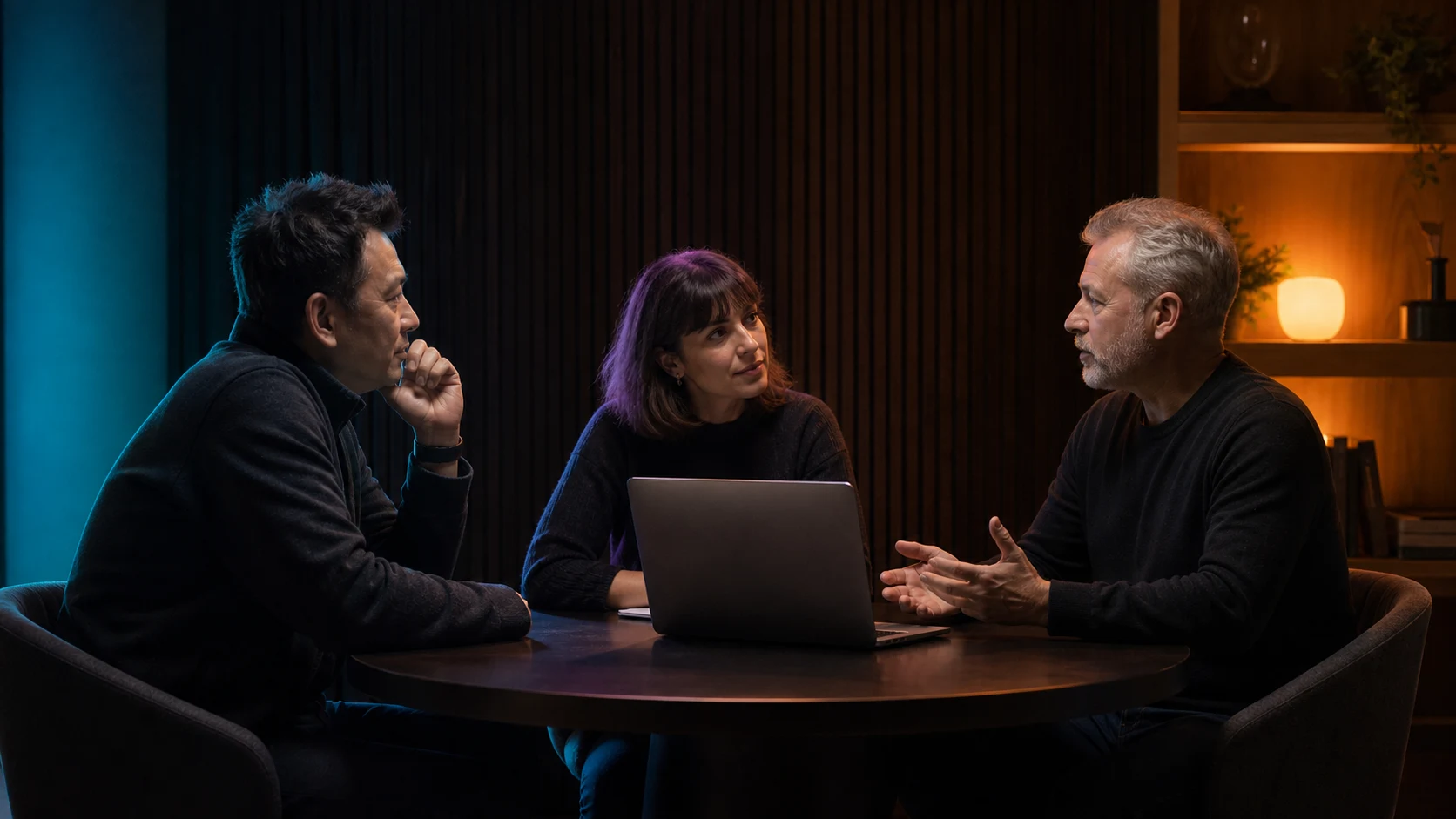
A transcript gives you the words. Diarization restores the conversation.
A diarization system divides meeting audio into speaker turns and assigns anonymous labels such as Speaker 1 and Speaker 2. It does not need to know anyone's identity. Its job is to keep each part of the transcript connected to the voice that most likely produced it.
That makes a long transcript easier to follow, search, review, and measure. When a real name matters, the safest workflow is to let a person confirm it instead of presenting an acoustic guess as fact.
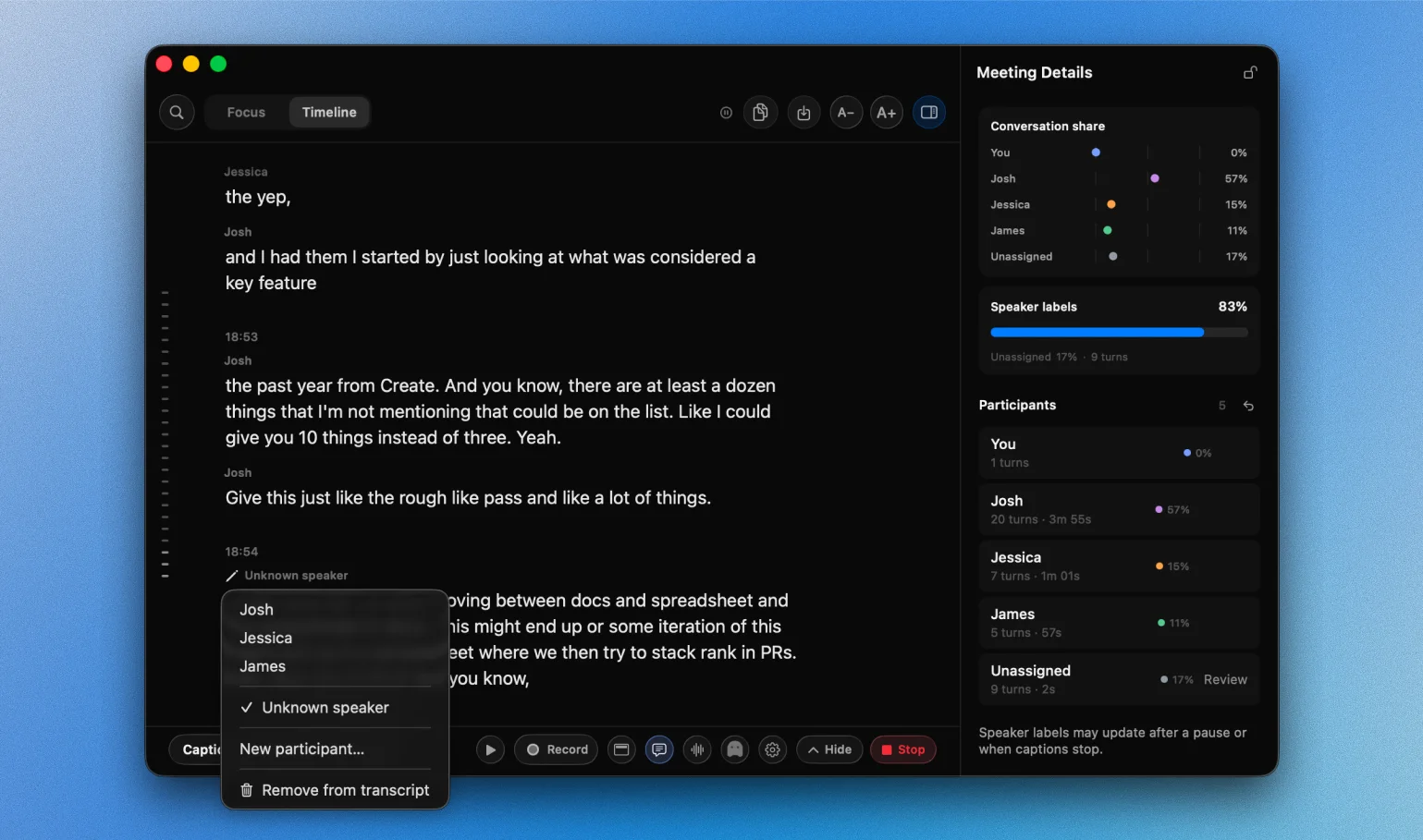
Five steps turn audio into a speaker-aware transcript.
Diarization is not one model making one guess. It is a sequence that finds speech, compares voices, groups similar segments, aligns those groups with words, and leaves the result ready for review.
-
01Find
Locate the speech
Detect where people are speaking and estimate where one turn ends and another begins.
-
02Compare
Represent each voice
Turn each useful speech segment into an embedding that can be compared with other segments.
-
03Group
Build speaker clusters
Place acoustically similar segments together as anonymous speakers within the meeting.
-
04Align
Connect speakers to words
Match cluster timing with the transcript so every turn can carry a speaker label.
-
05Review
Confirm the meeting record
Name people, merge duplicates, fix mixed turns, and keep unresolved speech visibly unknown.
One model hears the words. Another follows the voices.
NotchLive runs both jobs locally. WhisperKit produces transcript words and timing. SpeakerKit groups remote speech by voice. NotchLive aligns the two results and keeps uncertain attribution visible for review.
| WhisperKit | Recognizes what was said and when each word occurred. |
|---|---|
| SpeakerKit | Estimates which anonymous remote voice produced each speech segment. |
| NotchLive | Aligns words and speakers, preserves the local microphone as You, and gives you the final review. |
Six moments that can confuse an automatic speaker label.
People use faces, names, language, and memory to recognize a voice. A diarization model usually receives audio alone, often before the conversation is finished. These are the moments where a quick human check matters most.
Speech gives the model weak evidence
- Overlapping speechThe system may hear both voices but still attach a boundary word to the wrong participant.
- Short repliesA quick “yes” or “right” may be too brief to produce a confident speaker match.
- Similar voicesRelated voices, similar pitch, or the same device processing can pull two people together.
The meeting changes around the model
- Changing audioNoise, distance, emotion, or a microphone change can make one person look like several speakers.
- Limited live contextLater speech can provide better evidence and legitimately improve an earlier provisional label.
- Wrong group sizeToo many or too few clusters can split one person or combine several people until context corrects it.
Speaker labels get better when the whole meeting is available.
Live captions have to be useful now. A finished meeting gives the model more evidence and gives you the chance to confirm the result.
-
Useful while people are speaking
Rolling audio windows keep labels stable enough to follow the conversation, while uncertain speech stays visible instead of being forced into a confident answer.
-
More complete after the meeting
The finished audio provides stronger evidence across the whole conversation. Your review then becomes the source for saved history, exports, and participant analytics.
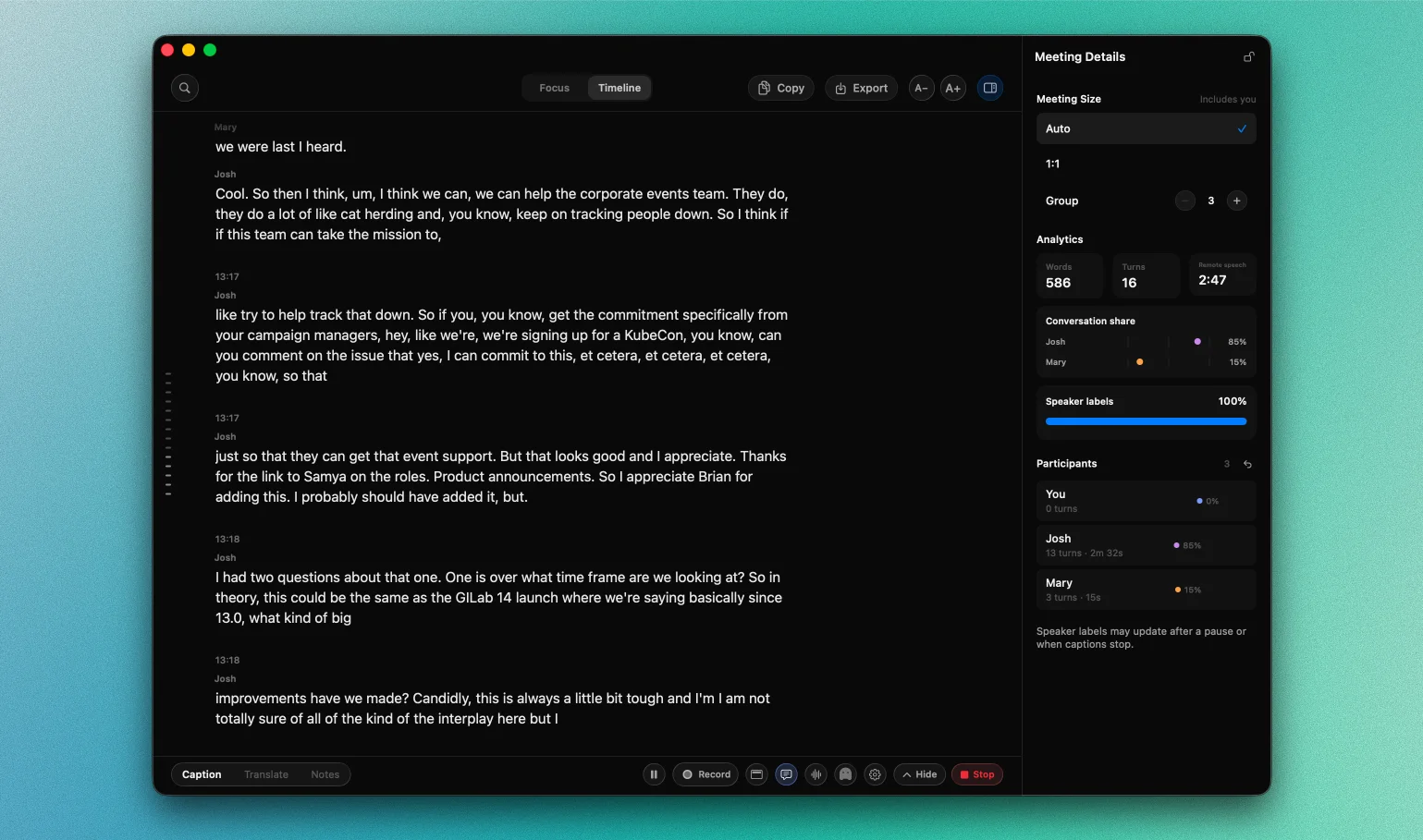
How NotchLive makes SpeakerKit useful in a real meeting.
SpeakerKit provides anonymous voice clusters. NotchLive surrounds that result with information the Mac already knows, whole-meeting evidence, and a review you control.
Start with separate audio lanes
Your microphone remains You. Only remote app audio needs anonymous speaker clustering.
Add meeting-scale evidence
Auto, 1:1, or Group context and the complete final audio help SpeakerKit refine its remote voice clusters.
Let a person confirm the record
Names, merges, splits, reassignments, and unresolved speech feed the reviewed transcript used by analytics and exports.
The speaker stack stays local and predictable.
NotchLive builds on the open-source Argmax OSS SpeakerKit stack. Selected Core ML models ship with the app at a pinned revision, so a meeting does not depend on fetching a new speaker model at runtime.
Speech segmentation
Finds useful speech regions and estimates where speaker turns begin and end.
Voice embeddings
Represents each speech segment so voices can be compared without assigning an identity.
Speaker clustering
Groups similar segments into anonymous, meeting-local participants for transcript alignment.

A speaker label belongs to one meeting.
NotchLive uses temporary voice centroids in memory to keep anonymous labels stable during the active run, then discards them. It does not build a silent voice identity that follows someone into later meetings.
A saved session can retain anonymous labels and the names you explicitly confirm. Those names belong to the reviewed transcript, not to a hidden cross-meeting voiceprint.
Fix a speaker once. Improve the whole meeting record.
Participant corrections update the names and turns used by Meeting Analytics, copy, exports, and future Meeting Intelligence generation. The Raw transcript remains available, so a cleaner result does not erase what was captured.
Conversation share updates
Words, turns, speaking time, and attribution coverage follow the reviewed participants.
Exports use confirmed names
Copy, TXT, Markdown, and JSON reflect the reviewed transcript you approved.
Meeting notes can catch up
On supported Macs, regenerate Meeting Intelligence after participant corrections.
Treat automatic labels as a draft you can verify.
Overlap, short replies, noise, similar voices, and changing microphones can still produce a wrong or unresolved label. NotchLive does not hide that uncertainty. It uses known audio lanes, meeting context, a final pass, visible unknowns, and reversible corrections to help you reach a better record.
Explore the open-source speaker stack.
These primary references cover SpeakerKit, diarization examples, and the segmentation, embedding, and clustering concepts behind the local pipeline.
Speaker diarization FAQ
What is speaker diarization?
Speaker diarization is the process of determining who spoke when in an audio recording or live conversation. It segments speech, represents voices as embeddings, groups similar segments into anonymous speaker clusters, and aligns those clusters with a transcript.
How does speaker diarization work?
A diarization pipeline detects speech regions, divides them into speaker-homogeneous segments, creates numerical speaker embeddings, clusters similar embeddings, and maps the resulting labels back to timed transcript words.
What is the difference between transcription and speaker diarization?
Transcription answers what was said. Speaker diarization answers who spoke when. A speaker-aware transcript combines word recognition and timing with anonymous speaker labels.
What is the difference between speaker diarization and speaker identification?
Diarization separates voices into anonymous labels such as Speaker 1 and Speaker 2. Speaker identification attempts to connect a voice to a known identity. NotchLive does not silently create persistent voiceprints or automatically recognize people across meetings.
Can Whisper identify different speakers?
Whisper transcribes speech but does not by itself provide a complete speaker-diarization pipeline. Applications commonly combine Whisper transcription and timing with a separate diarization model, then align speaker segments with transcript words.
How does AI distinguish one voice from another?
A speaker-embedding model converts a short speech segment into a numerical vector that represents voice characteristics useful for comparison. Clustering groups vectors that appear to come from the same speaker. These similarities are probabilistic, not proof of identity.
Can speaker diarization handle overlapping speech?
Some diarization systems can detect overlapping speakers, but assigning the correct transcript words at an overlap boundary remains difficult. NotchLive can leave uncertain speech unresolved so the transcript does not hide that uncertainty.
Why can speaker labels change during a meeting?
Live diarization works with incomplete rolling windows. New speech can provide stronger evidence that two segments belong together or that one cluster contains multiple voices. NotchLive treats live labels as provisional and performs a more complete final pass after the meeting ends.
How does NotchLive use SpeakerKit?
On Apple silicon, NotchLive applies SpeakerKit to the remote system-audio lane, keeps microphone speech assigned to You, stabilizes anonymous labels across rolling windows, and aligns final speaker clusters with the locally transcribed timeline.
Does NotchLive run speaker diarization locally?
Yes. NotchLive bundles its selected SpeakerKit Core ML models and disables runtime speaker-model downloads. Speech recognition and remote-speaker attribution run on the Mac rather than through a NotchLive cloud transcription service.
Can I correct diarization mistakes in NotchLive?
Yes. Recorded sessions support participant rename, merge, utterance reassignment, unknown marking, new participants, selected-word splitting, and undo. Analytics and exports use the reviewed transcript while the captured source remains available.
Does NotchLive store voiceprints or recognize people across meetings?
No. Automatic labels are anonymous and meeting-local. Voice centroids used to stabilize labels remain in memory for the active run and are discarded with it. NotchLive does not silently create persistent cross-meeting voice identities.
See speaker diarization inside a private Mac transcript.
NotchLive combines live captions, local speaker attribution, participant review, Meeting Analytics, and optional Meeting Intelligence in one Mac app.