 NotchLive
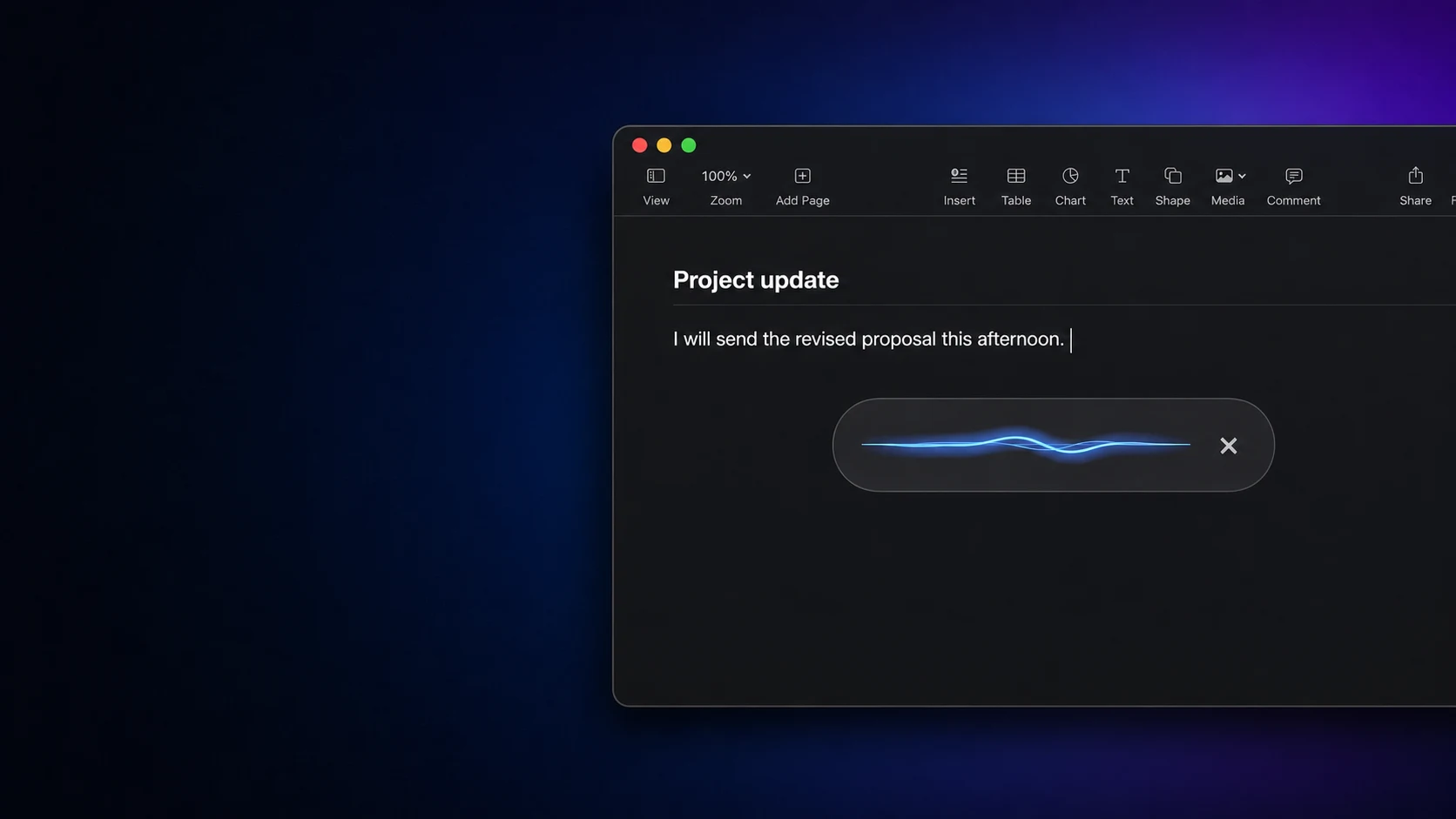
Dictate into Mac apps
Hold, speak, and release to insert text. Personal spellings and exact replacements help with recurring names and terms.
NotchLive combines private Mac dictation with translated dictation, live captions for app audio, translated speech, saved sessions, and meeting tools. Speech recognition stays on your Mac after model download.
Free live captions · Pro is $24.99 once · macOS 14 or later
NotchLive downloads a speech model and recognizes audio locally with WhisperKit and Core ML. Wispr Flow's privacy policy states that transcription happens in the cloud, alongside controls for storage and model improvement.
| NotchLive | Local speech recognition; Apple Translation where supported; local history and dictionary. |
|---|---|
| Wispr Flow | Cloud transcription with cross-device context, styles, rewriting, and transformation features. |
Wispr Flow facts checked August 31, 2026 against its official privacy policy, pricing page, and product documentation.
Wispr Flow is centered on turning your voice into polished text. NotchLive begins with the Mac's audio surfaces: what you say, what your apps play, and what you need to understand in another language.
Hold, speak, and release to insert text. Personal spellings and exact replacements help with recurring names and terms.
Use live captions for calls, videos, lectures, podcasts, and microphone speech without waiting for a text field.
Use Translated Dictation for writing, or translated speech for speech you are hearing.
NotchLive 1.10 deliberately does not place a rewrite model between every sentence and the field. It keeps dictation fast and local, then offers exact replacements and translation. Wispr Flow goes further on tone, formatting, style, context, and AI transformation.
Both can make speaking faster than typing. The better choice depends on whether you want a Mac-native local speech toolkit or a cross-platform AI writing layer.
| What matters | NotchLive | Wispr Flow |
|---|---|---|
| Primary scope | Dictation, live captions, translation, transcripts, and meeting tools on Mac | AI voice typing and rewriting across supported devices |
| Speech recognition | Runs locally after model download | Cloud transcription |
| Text cleanup | Punctuation, insertion normalization, vocabulary hints, exact replacements | Advanced cleanup, styles, context, tone, formatting, and transformations |
| Translation | Source-to-target dictation plus translated speech | Multilingual dictation with transform-to-English and custom transformations |
| Platforms | macOS | macOS, Windows, iOS, and Android |
| Paid individual price | $24.99 once | $15 monthly or $12/month billed annually |
| Best fit | Mac users who value local recognition and broader speech-to-text surfaces | People who value cross-device dictation and AI rewriting |
A fair comparison should make the tradeoff clear, not pretend the products are identical.
Wispr Flow is the stronger fit when you want speech automatically reshaped for emails, documents, prompts, and different tones.
Wispr supports Mac, Windows, iOS, and Android. NotchLive is intentionally a Mac app.
Wispr documents support for more than 100 languages with session-level detection. NotchLive language availability depends on its local speech model and Apple Translation support.
NotchLive is built for people who want local speech recognition, private Mac dictation, translated dictation, live captions, and a one-time Pro purchase. Wispr remains stronger for advanced cloud-powered rewriting and cross-platform use.
Wispr Flow's official privacy policy states that transcription always happens in the cloud. NotchLive recognition runs locally after model download.
Not in 1.10. NotchLive focuses on fast local recognition, punctuation, careful insertion, vocabulary hints, exact replacements, and translation. It does not silently apply a general-purpose rewrite model to every dictation.
No. NotchLive is built for macOS. Wispr Flow is the better fit when one dictation service must follow you across Mac, Windows, iOS, and Android.
For paid individual use, NotchLive Pro is $24.99 once. Wispr Flow Pro is listed at $15 per month or $12 per month billed annually as of August 31, 2026. See the full Wispr Flow pricing comparison.
Start with free live captions. Upgrade once for Dictation, Translated Dictation, saved sessions, Voice Notes, exports, and Meeting Intelligence.